
IE University encourages us to become increasingly interconnected with one another; both in person and digitally. The IE Connects app invites you to “connect with the IE Community on-the-go” with other students and alumni in order to expand your network.
Download the IE connects app on your smartphone to stay up to date with the activity on campus, build stronger bonds and interact with the university community, and sign up for on-campus events!
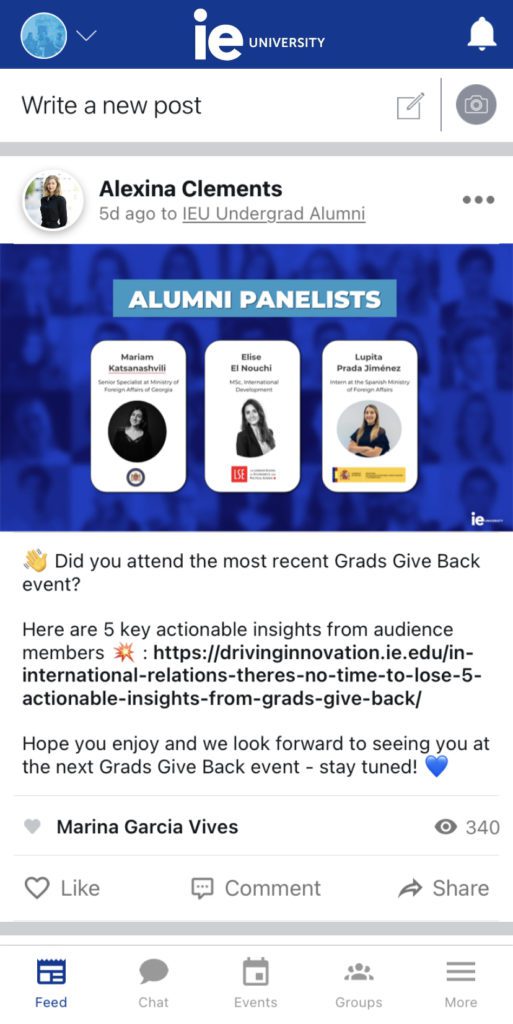
You can access different tabs on the bottom of your screen: the ‘Feed’ keeps you up to date with others’ posts, and it is also the place where you can advertise and post your own announcements. ‘Chat’ is where you can communicate with students and alumni; ‘Events’ ensures you’re informed of all exciting occasions existing either on campus or online, and finally, ‘Groups’ shows you which communities you belong to (you’re automatically enrolled in a few, but you can join as many as you want).
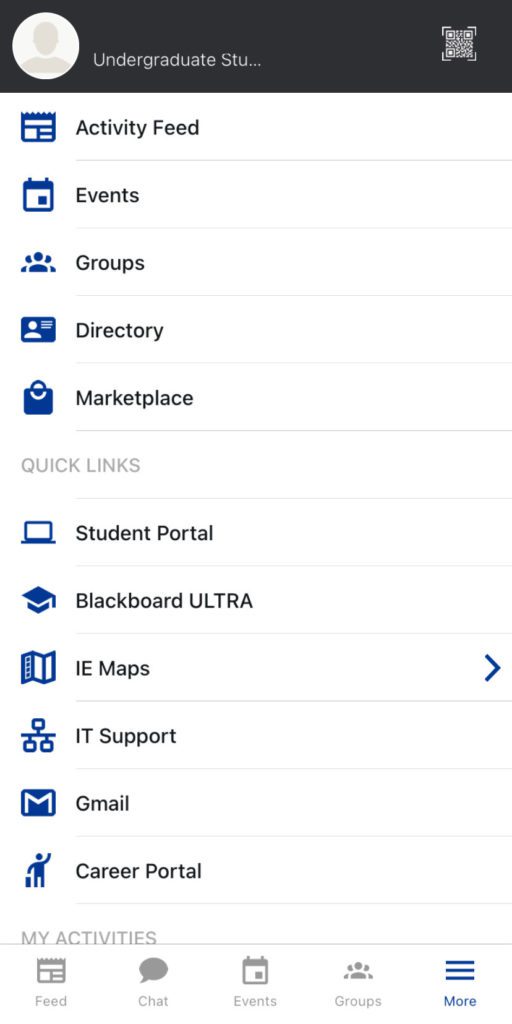
Finally, there is one last tab that grants you access to all the previous tabs, as well as a ‘Directory’ and ‘Marketplace.’ Under ‘Quick Link’ you can find useful resources and direct access to useful platforms and account: ‘Student Portal’ gives you access to your health passport, news, and agenda, ‘Blackboard Ultra’ directs you to the app version of the website (there is also the Blackboard app,) ‘IE Maps’ can help you locate yourself around IE 3 campuses. There’s also ‘IT support’, ‘Gmail’ to check your student email, and last but not least, the ‘Career Portal’ that can help you seek future career options.
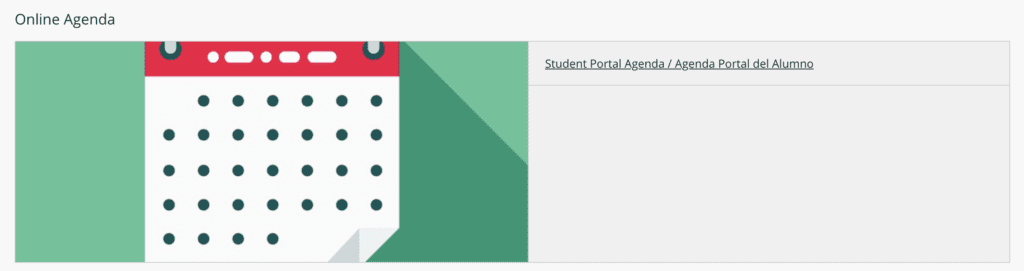
Alongside all of these informatory access points, make sure to add your academic calendar from the ‘Student Portal’ on IE Connects, to your personal calendar. To do this, either on the app through ‘Student Portal’ or online, click on the ‘online/student portal agenda;’ on your screen should appear a side tab with your calendar. Click ‘see more’ and ‘access to subscribe to the IE Campus calendar.’ Here, you may either copy the URL and paste it into your personal calendar, or click one of three links provided (Google, Outlook & iCal) to the top used calendar managers; these URLs will bring you directly to your personal calendar, and follow the directions indicated.

Have fun discovering the resources and opportunities IE Connects has to offer all by staying organized and up to date!