

Every other day we hear about data breaches *, ransomware * and cyber incidents in general. You might think that this only happens to big companies or famous people, but it can happen to anyone. That is why Cybersecurity is so important. We have most of our information available online and everything connected all the time, so we must take a few steps in order to improve our safety. In this column, I will be guiding you through some of the main terms and giving simple tips on how to improve cybersecurity on your day to day. It’s a no-brainer, trust me.

Here are some ideas of what to do and what no to do when on the internet:
ALWAYS:
-
- Be careful with the information you share on the internet because whenever you post something, you lose control over it (in other words, anybody can take a screenshot real fast of that selfie where you look ugly).
- Use safe passwords, change them every other month and do no reuse them (using your pets name is not a good idea).
- Make sure the URL you are visiting starts with HTTPS* instead of HTTP.
- Always block your computer before leaving your place (they might check your photos and find something you did not want them to know).
- Configure privacy settings and activate double factor authentication * where available.
NEVER:
-
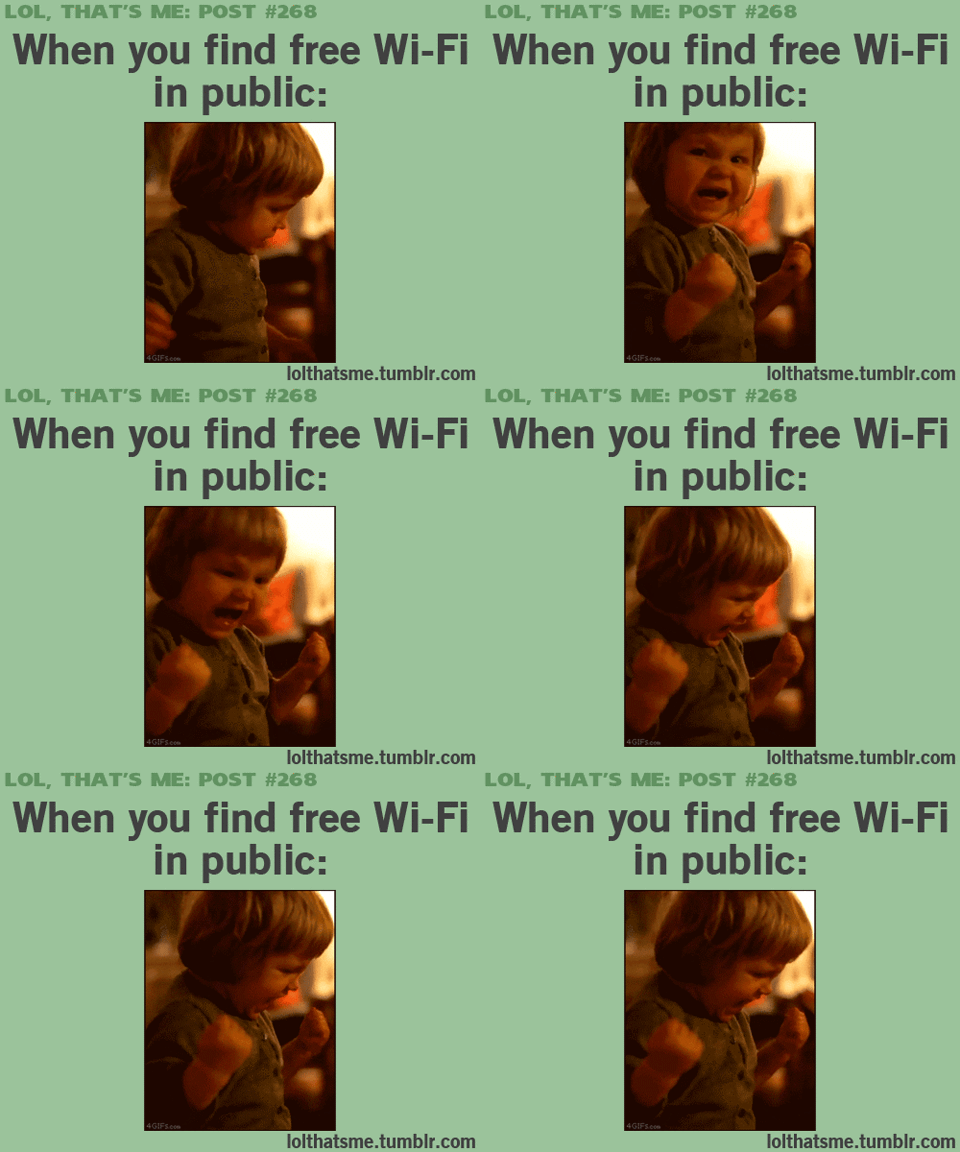
- Make sensitive operations when connected to public WIFI networks. If urgent, use a VPN*.
- Leave Bluetooth and WIFI networks connected when you are not using them (just trust me).
- Leave important documents in the trash without destroying them.
- Write down personal information, such as credit card info on post its or notebooks (this is an easy one).
- Leave open sessions in your devices nor save passwords (there is always the one person that posts some dumb shit on your behalf).
- Facilitate sensitive information through email or phone.
¿How to handle passwords correctly?
-
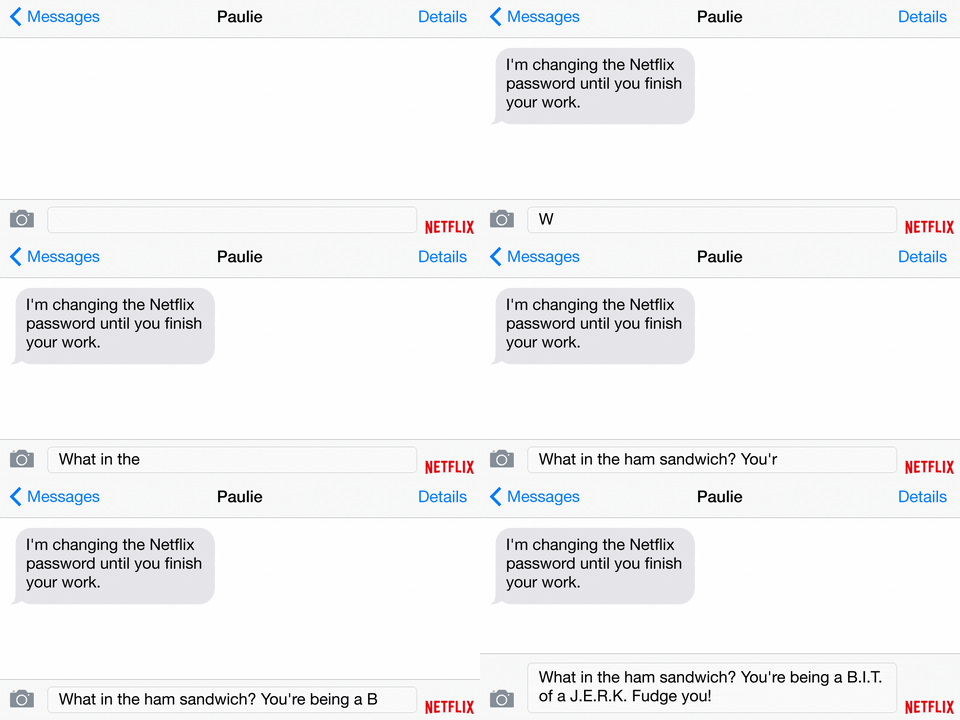
- Do not share them with anybody (not even your girlfriend or boyfriend, you might break up and they will have that information against you).
- Do not use personal data (First name, last name, birthday, etc.)
- Use at least 8 alphanumeric characters. (14MFR0M3X1C0!)
- Change them every other month.
See? Not that difficult. Follow these tips and you won’t be that person.
Here are some terms that you might not care about but they will help:
Data breach: intentional or unintentional release of secure or private/confidential information to an untrusted environment.
Ransomware: A type of malicious software designed to block access to a computer system until a sum of money is paid.
HTTPS: Secure is an extension of the Hypertext Transfer Protocol. It is used for secure communication over a computer network and is widely used on the Internet
VPN: A Virtual Private Network that makes an Internet connection more secure, helps you stay anonymous and helps you get around blocks and access censored sites.
Double factor authentication: Multi-factor authentication is an authentication method in which a computer user is granted access only after successfully presenting two or more pieces of evidence to an authentication mechanism.